 Download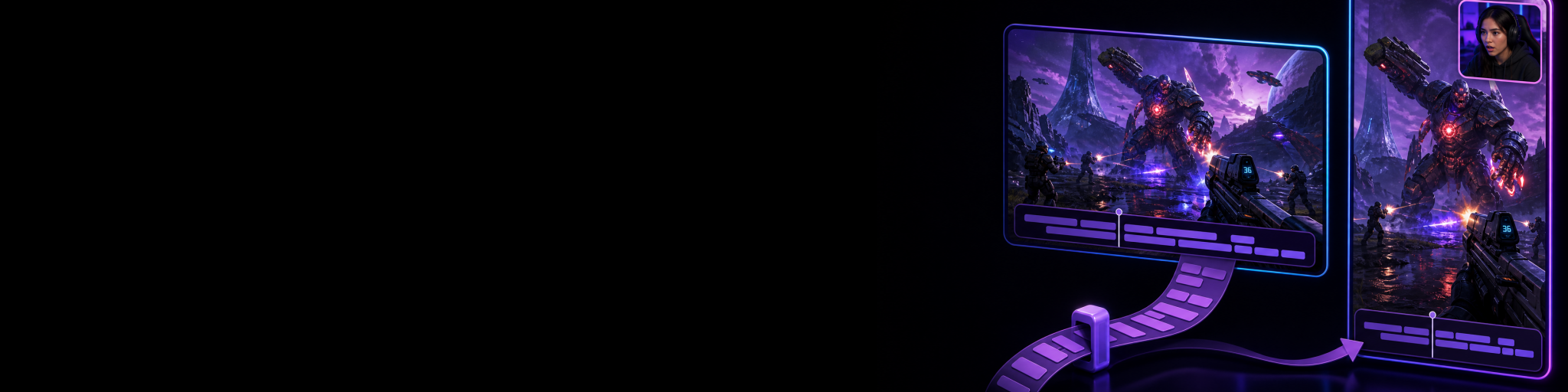
If you publish the same gaming highlight in 16:9 for YouTube and 9:16 for Shorts, TikTok or Reels, captioning both versions from scratch is needless repetition. The spoken words, timing and most of the editorial decisions are the same; what changes is how those captions sit around the action in each frame.
The practical approach is to make one caption pass, transfer the compatible work to its matching clip, then give the second format a focused visual review. That preserves the time-consuming part, transcription, wording and cue timing, without pretending that a wide gameplay frame and a tall one have identical safe areas.
What should transfer between paired gaming clips
For two versions made from the same highlight, the reusable work is usually the editorial core: the caption text, timing, styling choices and any cuts or pacing decisions that remain compatible. This is especially useful for a reaction, callout, funny exchange or tutorial moment where the same voiceover or live commentary drives both uploads.
What should not be assumed identical is the final presentation. A landscape edit may have room for captions along the lower third while keeping the HUD readable. In portrait, that same caption block may compete with a facecam, cover an objective marker, or feel too wide once the gameplay has been reframed.
- Reuse the transcript and timed caption cues when both clips cover the same moment.
- Reuse shared caption styling as a starting point.
- Check line breaks again in the narrower portrait composition.
- Move captions when a HUD, facecam or important on-screen action needs the space.
- Watch the full vertical clip once rather than judging placement from a paused frame alone.
Start with genuinely matching horizontal and vertical versions
Caption reuse works best when the horizontal and vertical clips are true partners: two outputs of the same captured replay interval, not two loosely similar exports found later in different folders. If one version starts earlier, has different cuts, or uses a different spoken section, copied timing can create more cleanup than it saves.
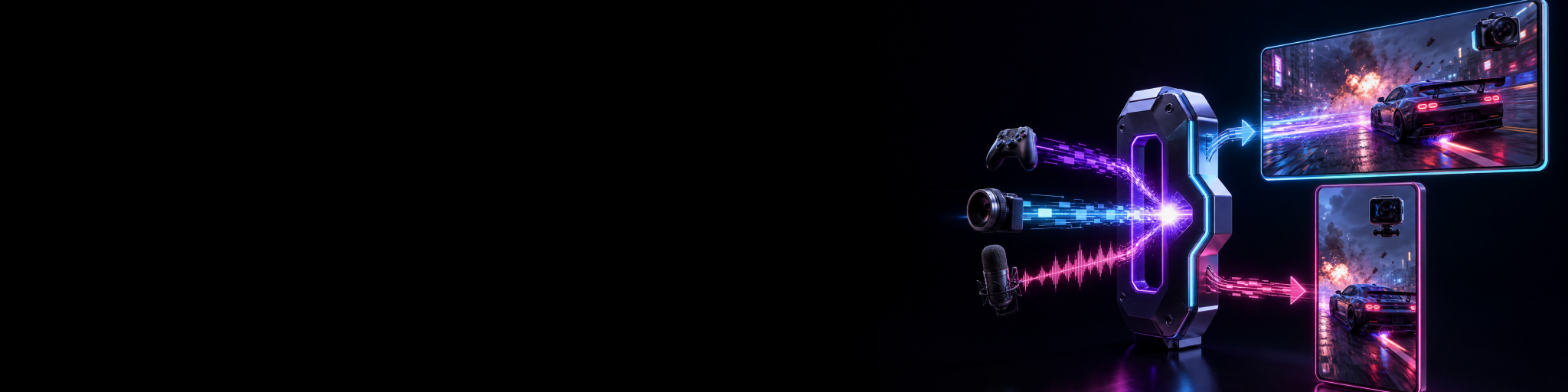
This is why capture planning matters. When you create horizontal and vertical versions from the same gameplay moment, you have a clear relationship between them from the start. For the capture side of that workflow, see how to record horizontal and vertical gameplay at the same time.
Before copying captions, make sure both versions are the intended pair and that you have finished the shared editorial decisions in one of them. It is usually faster to tighten the clip first, caption it second, and transfer that completed work than to caption a rough edit that is still changing.
Use one format as the caption master
Choose the version that is easiest to caption accurately as your master. For many creators, that is the horizontal edit because it gives more room to inspect gameplay and dialogue together. For a vertical-first creator, the portrait clip may be the better master if it is the version that needs the most deliberate pacing and emphasis.
Create or review the captions there first. Correct names, game terms and slang; remove filler that does not improve the clip; and make sure each cue arrives with the spoken moment rather than after it. A clean master matters because any mistake you leave in it is likely to travel to the partner clip too.
Cutscene Replay can generate captions through its bundled local transcription workflow, then lets you review, style and position timed caption cues in the editor. That gives you an editable first pass rather than requiring you to manually type every line before you can start refining the clip. Cutscene Replay is most useful here when the two versions are paired outputs of the same replay.
Copy the compatible edit and captions to the partner clip
In Cutscene, paired horizontal and vertical captures can be associated in the Clip Library, so you can open the matching version without hunting through filenames. Once the master clip is ready, use the partner workflow to copy compatible edit state and captions to the related output.
The benefit is straightforward: you do not need a second transcription pass or a second round of timing every spoken line. You can move from polishing one format to checking the other with the shared caption work already in place. Cutscene Replay also supports navigating between the related clips, which makes that review loop much less fragmented.
Treat the copy as a strong starting point, not an automatic final export. The captions can be shared, but each canvas still needs its own composition check. This distinction keeps the workflow fast without sacrificing readability.
Review the portrait version for placement, not transcription
After the transfer, your job is no longer to recreate captions. It is to make the existing captions work in the new composition. Start with the sections where viewers need to read the most while the screen is busiest: a clutch, a kill feed update, a menu interaction, a reaction facecam or a key UI prompt.
- Play the vertical version at normal speed and check whether captions hide important gameplay information.
- Look for awkward line breaks caused by the narrower visual space.
- Check that the caption block does not collide with a facecam, overlay or platform interface area.
- Reposition or restyle captions where needed while keeping the words and timing intact.
- Do a final phone-sized preview if vertical viewing is the main destination.
If you need help deciding where text can safely sit around gameplay and facecams, use this guide to gameplay caption, facecam and overlay safe zones. For the wider process of making portrait footage readable without losing the action, see how to make vertical gaming clips without cutting off the action.
When you should not copy captions wholesale
Do not force caption transfer when the two edits are no longer meaningfully the same. If the vertical clip has a new hook, a shorter opening, reordered gameplay, different commentary, or extra explanatory text, it needs an independent caption pass for those changed sections.
Likewise, copying captions will not solve a weak vertical composition. If the important action is already obscured or the portrait framing needs a different edit, fix the composition and pacing first. Caption reuse reduces duplicate work; it does not remove the need to make each platform version feel intentionally made.

Reuse the caption work, not the whole layout
Try Cutscene Replay to work with paired horizontal and vertical clips, copy compatible edits and captions between them, then finish each format with the composition it needs.
A faster repeatable workflow
For every highlight that deserves both formats, capture or prepare matching outputs, choose one as the caption master, finish the transcript and timing there, copy the compatible work to its partner, then spend your remaining time on format-specific placement checks. You are reusing the work that should be shared while reserving attention for the parts viewers will actually notice.
That is the useful middle ground between captioning twice and publishing a lazy centre-crop with text in the wrong place. For a broader workflow covering shared cuts, pacing and platform-specific finishing, read how to edit the same gaming highlight for landscape and portrait without starting over.