 Download
Articles
-


How Much Storage Does a Replay Buffer Use? A Practical Clip-Capture Calculator Guide
Replay buffers use far less storage than full-session recording because they retain only a rolling window of recent footage. Learn the simple bitrate formula, see practical examples and choose settings that fit your drive.
-
How to Capture Game Audio, Voice Chat and Microphone on Separate Tracks
Learn how to record gameplay, Discord or in-game voice chat, and your microphone on separate audio tracks so you can edit, mute and rebalance each source later.
-
Gameplay Clip Safe Zones: Where to Place Captions, Facecams and Overlays
Keep captions, facecams and overlays clear of the gameplay information viewers need. This practical guide explains safe zones for horizontal videos, Shorts, TikToks and Reels.
-
How to Make Vertical Gaming Clips Without Cutting Off the Action
Learn how to turn widescreen gameplay into vertical Shorts, TikToks and Reels without losing the player, HUD or important action. Use cropping, reframing, layouts and safe zones that suit the clip.
-
How to Turn a Twitch Clip Into a Better TikTok or YouTube Short
A practical workflow for turning a Twitch highlight into a vertical TikTok or YouTube Short: choose the right moment, reframe the action, add context and captions, tighten the pacing and export a clean final video.
-

Best Replay Buffer Settings for 1080p 60 FPS Gameplay
Recommended replay buffer settings for sharp 1080p 60 FPS gameplay clips, including duration, bitrate, encoder, format, storage and performance trade-offs.
-
How to Add Captions to Gaming Clips Quickly
Add clear, well-timed captions to gaming clips without turning a 30-second highlight into an editing project. This practical workflow covers transcription, timing, styling and export checks.
-
Gaming Content Ideas: Turn One Gaming Session Into Content for Every Platform
One gaming session can produce highlights, Shorts, tutorials, compilations and more. Here is how to diversify your content without multiplying the time you spend recording.
-
Best Encoder for Streaming and Recording: Hardware vs Software Explained
Choosing between NVENC, AMD hardware encoding, Intel Quick Sync and x264 can be confusing. Here is how to pick the right encoder for streaming, recording and replay capture.
-
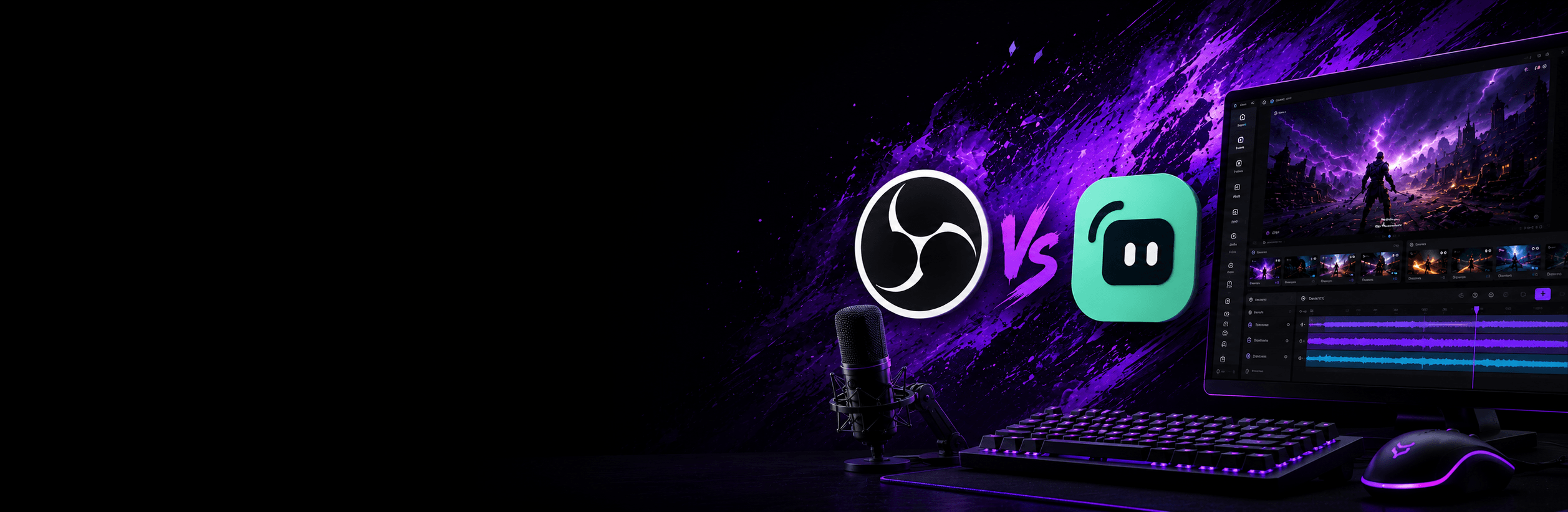
OBS vs Streamlabs for Recording Clips: Which Workflow Is Better for Creators?
OBS Studio and Streamlabs Desktop can both save gameplay replays, but the workflow after capture is different. Here is how they compare for creators turning spontaneous moments into publishable clips.